Why Light Stability Matters in Long Time-Lapse Experiments
Time-lapse microscopy feels simple on paper: set up your sample, take images over minutes or hours (or days), and watch biology unfold. But anyone who’s tried it knows how easily things drift, shift or fade along the way. Cells change, focus shifts, samples move… and the light source, quietly sitting in the background, plays a bigger role than people often realise.
If you’ve ever looked back at a time-lapse series and wondered why the brightness jumps, or why the signal looks different at hour four compared to hour one, illumination stability is usually part of the story.
Let’s break down what’s really going on and why the type of light you use makes such a difference.
What makes time-lapse imaging tricky?
Unlike a single snapshot, time-lapse imaging depends on everything being consistent across every frame. If anything changes that isn’t part of the biology, you can’t tell whether your sample behaved differently or your setup simply drifted.
Common issues include:
-
Cells moving or changing shape (which is expected)
-
Autofocus drift
-
Photobleaching
-
Temperature fluctuations
-
Mechanical vibrations
Where this matters in the real world
Time-lapse imaging shows up in an enormous range of workflows, including:
-
Cell migration and wound-healing assays
-
Long-term live-cell tracking
-
Organoid and spheroid growth studies
-
Plant biology and seedling development
-
Yeast and bacterial growth curves
-
Drug-response studies over time
All rely on the images being comparable from frame one to frame 3000.
Biology is variable enough. You don’t want the light source adding its own version of “plot twists”…
…But there’s one factor that often gets overlooked:
The light source changes too
If your illumination drifts even slightly, every frame comes out a little different, which becomes a lot different over hundreds of images…
What actually causes illumination drift?
In traditional systems (like mercury or metal-halide lamps), several things change over time:
Warm-up drift
Brightness increases or decreases in the first 20–30 minutes as the lamp settles, no matter hold old or new the bulb is.
Age-related instability
The older the lamp, the more inconsistent the output, even within a single experiment.
Heat generation
Bulbs run hot. Heat at the sample can affect cell behaviour, and heat within the lamp house affects brightness stability.
Intensity flicker
Small fluctuations become big problems when every frame needs to be comparable.
Why LEDs make time-lapse life so much easier
LED illumination doesn’t suffer from the warm-up drift, fading, or heat output of older systems. That alone removes a whole layer of unpredictability.
Here’s why LEDs tend to win in time-lapse setups:
1. Stable output from the moment you switch on
Start imaging immediately – no settling, no drift.
2. Consistent brightness over hours
No slow fade, no intensity wobble, no surprises halfway through your experiment.
3. Low heat at the sample
Important for live cells, embryos, bacteria, organoids and anything sensitive to temperature changes.
4. Fine intensity control
Adjusting brightness shouldn’t move your data around. LEDs give reliable, repeatable settings.
5. Less phototoxicity
Controlled, lower-heat illumination helps keep cells alive and behaving normally during long recordings.
Whether you’re following wound healing, organoid development, cell migration or something subtle like calcium signalling, illumination stability can make the difference between a clean dataset and a confusing one.
A quick note on CoolLED products
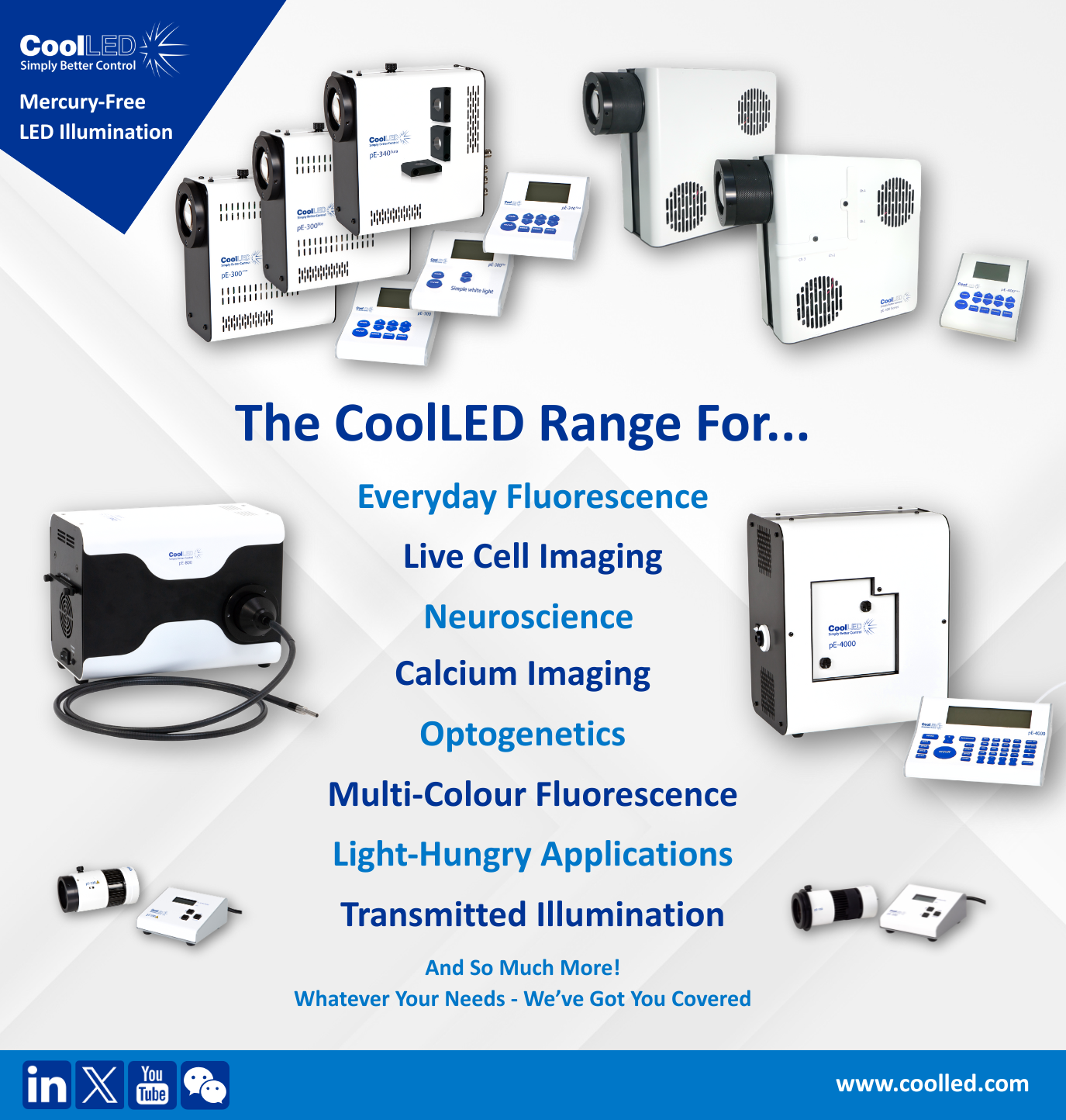
Without turning this into a sales pitch, it’s worth noting that CoolLED’s illumination systems (including the pE-300 Series, pE-400 Series and pE-800) are specifically designed to deliver stable, repeatable and lightning fast output which is exactly what time-lapse imaging needs.
If you often run long experiments and your data occasionally looks brighter, dimmer or inconsistent over time, your light source might be contributing more than you realise.
Written by Ben Furness / [email protected] / LinkedIn Profile